Mike's Notes
What I'm learning today. I'm learning fast as I go. It's all new :)
BoxLang will be the platform on which Pipi 10 runs.
Resources
- https://jfrog.com/ai-catalog/
- https://jfrog.com/help/r/jfrog-applications-and-cli-documentation/github-actions
- https://docs.github.com/en/actions/get-started/understand-github-actions
- https://www.ortussolutions.com/blog/streamline-your-cicd-introducing-the-setup-boxlang-github-action
- https://boxlang.ortusbooks.com/getting-started/running-boxlang/github-actions
- https://github.com/ortus-boxlang/setup-boxlang
- https://github.com/ortus-boxlang/boxlang-docker
- https://render.com/
References
- Reference
Repository
- Home > Ajabbi Research > Library >
- Home > Handbook >
Last Updated
22/11/2025
Using GitHub Actions to CLI JFrog, AWS, GCP
Mike is the inventor and architect of Pipi and the founder of Ajabbi.
I finally figured out how to implement CI/CD so Pipi can autonomously manage all remote cloud platforms.
- AWS
- Azure
- GCP
- IBM
- etc
I was watching a video from the MLOPs community email that led me to JFrog (very useful), which led me to GitHub Actions. I had been looking for a way to enable Pipi 9 to autonomously control any Cloud Platform, but I did not know the correct technical terms, so I was asking the wrong questions. It's one of the disadvantages of being completely self-taught.
Use GitHub Actions
According to Google AI ..."
GitHub Actions can effectively control both Google Cloud Platform (GCP) and Amazon Web Services (AWS) Command Line Interfaces (CLIs) within your CI/CD workflows. This enables automation of cloud resource management, deployments, and other cloud-related tasks directly from your GitHub repositories.
- Controlling AWS CLI with GitHub Actions:
- Configure AWS Credentials:
- Store your AWS Access Key ID and Secret Access Key as GitHub Secrets in your repository settings.
Use the aws-actions/configure-aws-credentials action to configure the AWS CLI with these secrets within your workflow. This action handles the secure setup of credentials for subsequent AWS CLI commands.
Execute AWS CLI Commands:
Once credentials are configured, you can use the run step in your workflow to execute any AWS CLI command.Example:
Code
Controlling GCP CLI (gcloud) with GitHub Actions:
Authenticate to GCP:
Store your GCP Service Account Key (JSON format) as a GitHub Secret.
Use the google-github-actions/auth action to authenticate your workflow to GCP using this service account key.
Setup gcloud CLI:
Use the google-github-actions/setup-gcloud action to install and configure the gcloud CLI within your workflow. You can specify the desired gcloud version and project ID.
Execute gcloud Commands:
After authentication and gcloud setup, you can use the run step to execute gcloud commands.
Example:
Code
- Security: Always use GitHub Secrets to store sensitive credentials and implement the principle of least privilege for your cloud service accounts/IAM roles. Consider using OpenID Connect (OIDC) for enhanced security with AWS and GCP.
- Actions Marketplace: Leverage pre-built actions from the GitHub Marketplace for common tasks like credential configuration and CLI setup, as demonstrated above.
- Error Handling: Include error handling and logging in your workflows for better debugging and reliability.
- Idempotency: Design your cloud operations to be idempotent, ensuring that running the workflow multiple times produces the same desired state without unintended side effects.
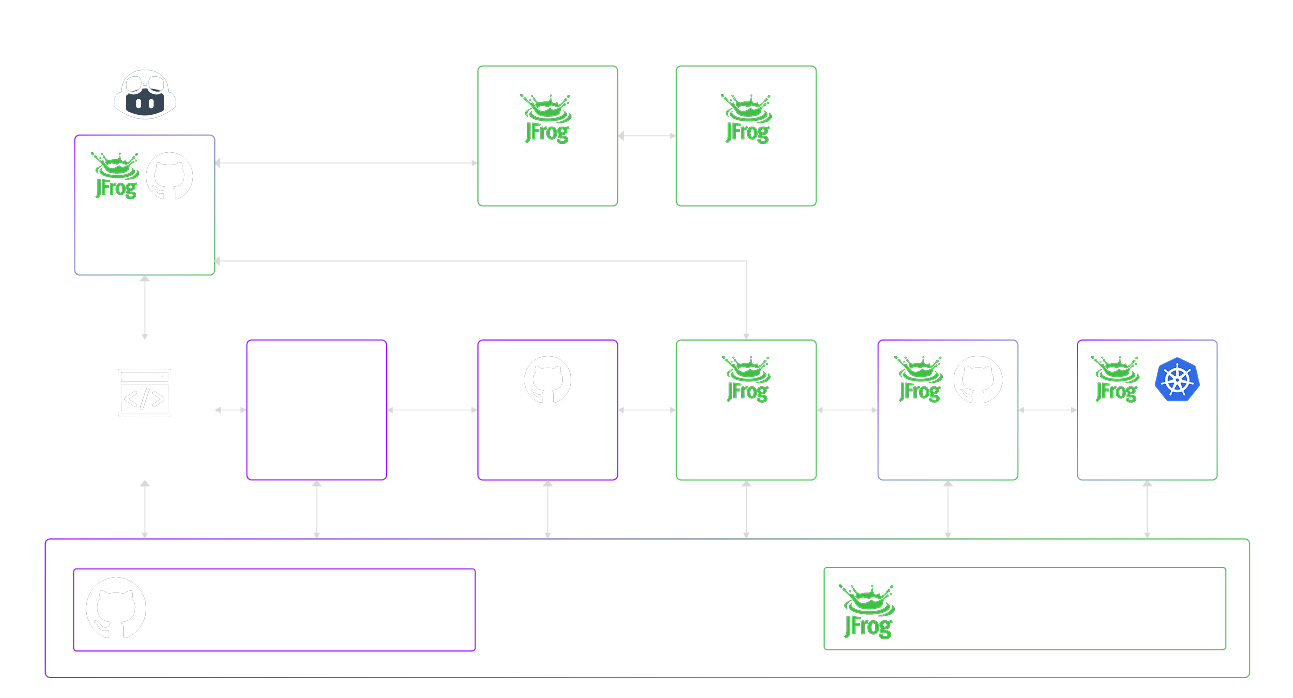
JFrog
JFrog looks great. Not cheap, but no one is better at security than the Israelis. They are the best in the world. So using their kit is a no-brainer.
There is no free tier, so plan for future use.
Next Question
- Pipi can use CFML to easily output any of the code listed above.
- How does that generated code then get into GitHub Actions?
- So Pipi 9 can autonomously control GitHub Actions. (or GitLab, etc)
- Would BoxLang do the job?
- Am I using the correct technical terms?
Interesting examples
BoxLang and GitHub Actions
According to Google AI ..."
BoxLang projects can leverage GitHub Actions for Continuous Integration and Continuous Deployment (CI/CD) workflows. Ortus Solutions, the creators of BoxLang, provide a dedicated GitHub Action to simplify this process.
Key features and steps for CI/CD with BoxLang and GitHub Actions:
Setup BoxLang GitHub Action: This action streamlines the setup of the BoxLang Dynamic JVM Language runtime within your CI/CD workflows. It handles the installation of Java, BoxLang binaries, and necessary modules. You can specify the desired BoxLang version (latest stable, snapshots, or specific versions) and automatically manage module installations.
Code
uses: ortus-boxlang/setup-boxlang@v1 # Use the appropriate version
with:
boxlang-version: 'latest' # Or a specific version like '1.0.0'
commandbox-version: 'latest' # Optional: if you use CommandBox
Define Workflow in YAML: Create a YAML file in your repository's .github/workflows directory to define your CI/CD workflow. This file specifies the events that trigger the workflow (e.g., push to main, pull request), the jobs to run, and the steps within each job.
Build and Test: Within your workflow, you can define steps to build your BoxLang project, run unit tests, and perform any other automated tests. The setup-boxlang action ensures the BoxLang environment is ready for these tasks.
Deployment (CD): For continuous deployment, you can add steps to deploy your BoxLang application to a target environment (e.g., a server, cloud platform like AWS Lambda). This might involve building a deployable artifact, uploading it, and triggering deployment scripts or services.
Code
run: boxlang build # Or your specific build command
- name: Run Tests
run: boxlang test # Or your specific test command
- name: Deploy to AWS Lambda
# Example using a custom script or another action for deployment
run: ./deploy-to-lambda.sh
env:
AWS_ACCESS_KEY_ID: ${{ secrets.AWS_ACCESS_KEY_ID }}
AWS_SECRET_ACCESS_KEY: ${{ secrets.AWS_SECRET_ACCESS_KEY }}
Secrets Management: Store sensitive information like API keys or deployment credentials in GitHub Secrets and securely access them within your workflow using expressions like ${{ secrets.MY_SECRET_NAME }}.
By using the setup-boxlang GitHub Action, the process of integrating BoxLang into your CI/CD pipelines becomes significantly simplified, allowing you to focus on developing your application rather than managing environment setup.

No comments:
Post a Comment